
To access documents on the Kanban+ cloud platform you need a Google account for your company email address. This page describes:
- how to set up a Google account in a privacy-compliant and data-minimal way
- how to find out whether a Google account already exists for your company email address
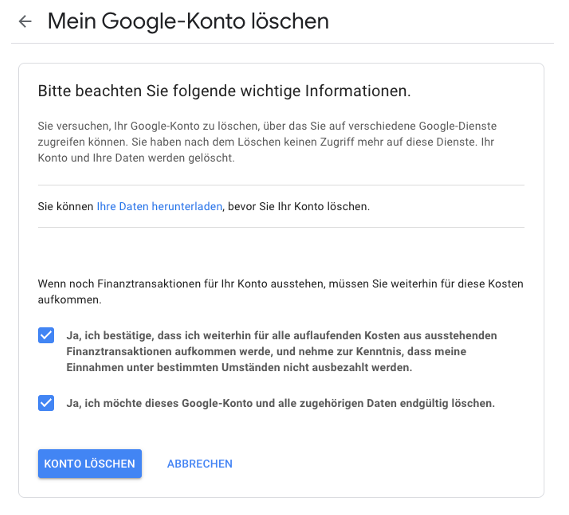
- how to delete the Google account for your company email address once you no longer need it
To set it up, please open the following page and click “Create account”:
https://accounts.google.com/signin
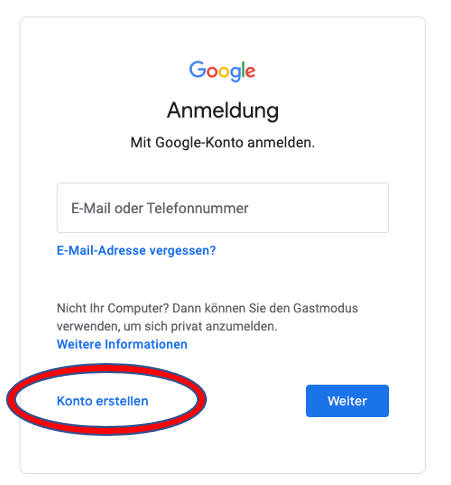
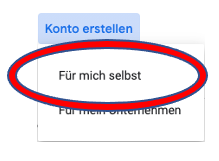
Only click “To manage my business” if you intend to use Google products for your business (e.g. a Google My Business listing); otherwise choose the personal option.
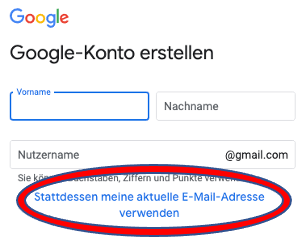
On the next page, click “Use my current email address instead”.
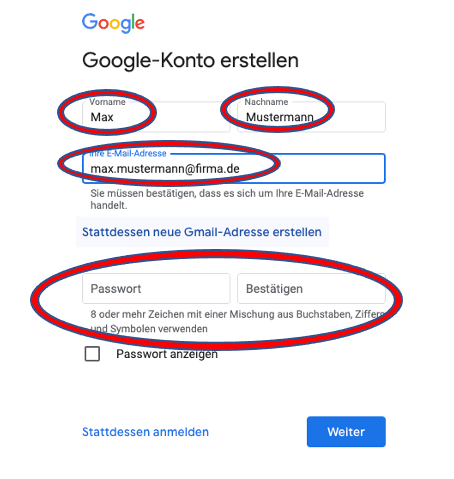
Then enter your first name, last name and your company email address. You will also set a new password used to sign in. Please do not reuse a password you use elsewhere.
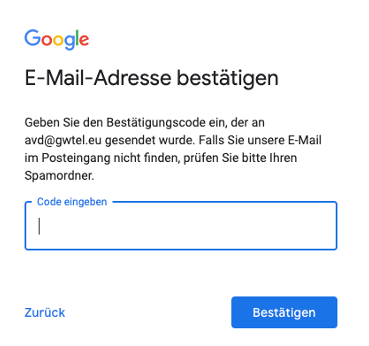
A code will be sent to your email address, which you must enter on the next page to prove you have access to that mailbox.
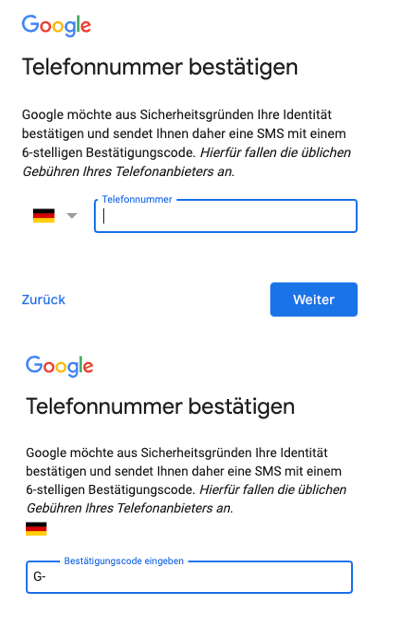
You will also need to provide a phone number for verification; a code is sent by SMS that you enter on the following page.
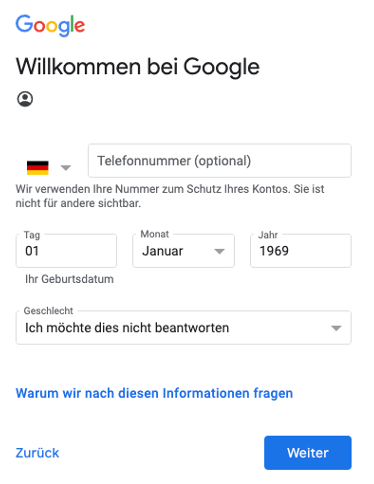
On the next page you must provide some information. Here you should first delete your phone number again if you do not want it stored at Google. You do not have to answer the question about gender; for the date of birth you only need to demonstrate that you are of legal age.
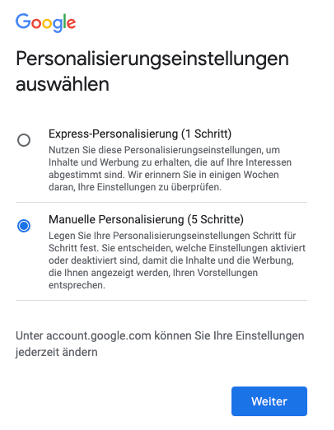
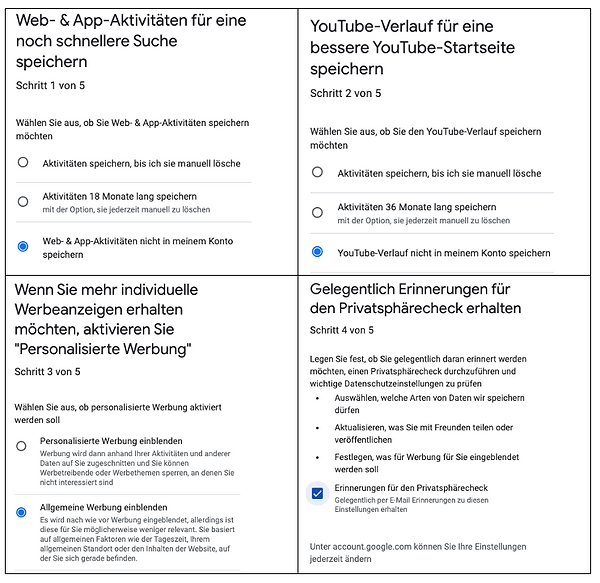
In the next step choose “Manual personalization (5 steps)” to encourage Google to handle your data sparingly.
Over the following five pages we recommend the data-minimal settings shown:
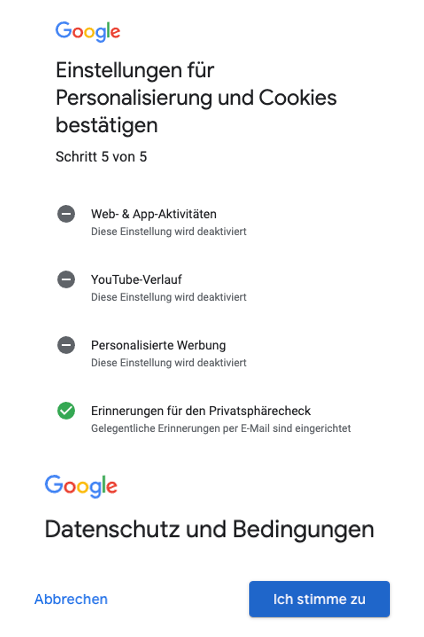
In the final step you confirm these settings and then Google’s privacy terms:
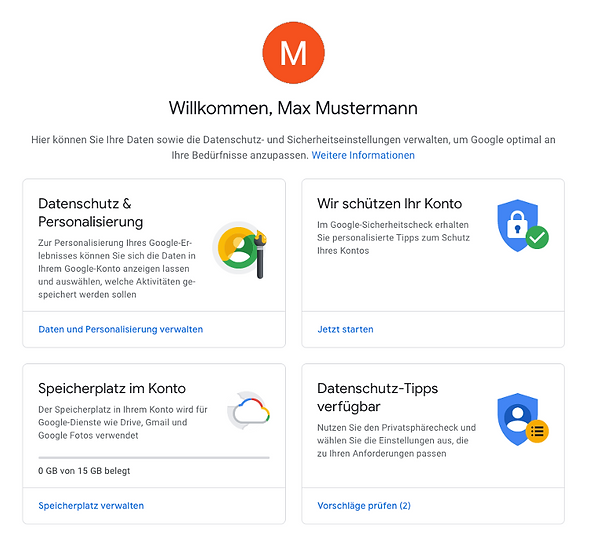
Your Google account is now ready. When you see the corresponding notice in a Kanban+ task, sign in with your Google account to access documents.
The following page explains how Google uses the data you provide: https://support.google.com/accounts/answer/1733224?hl=en
You can delete this account again, once you no longer need it, via: https://myaccount.google.com/deleteaccount